YouGooDai
Mobile of the Day

YouGooDai

5.0 FREE
  • Screenshot 1
  • Screenshot 2

Description

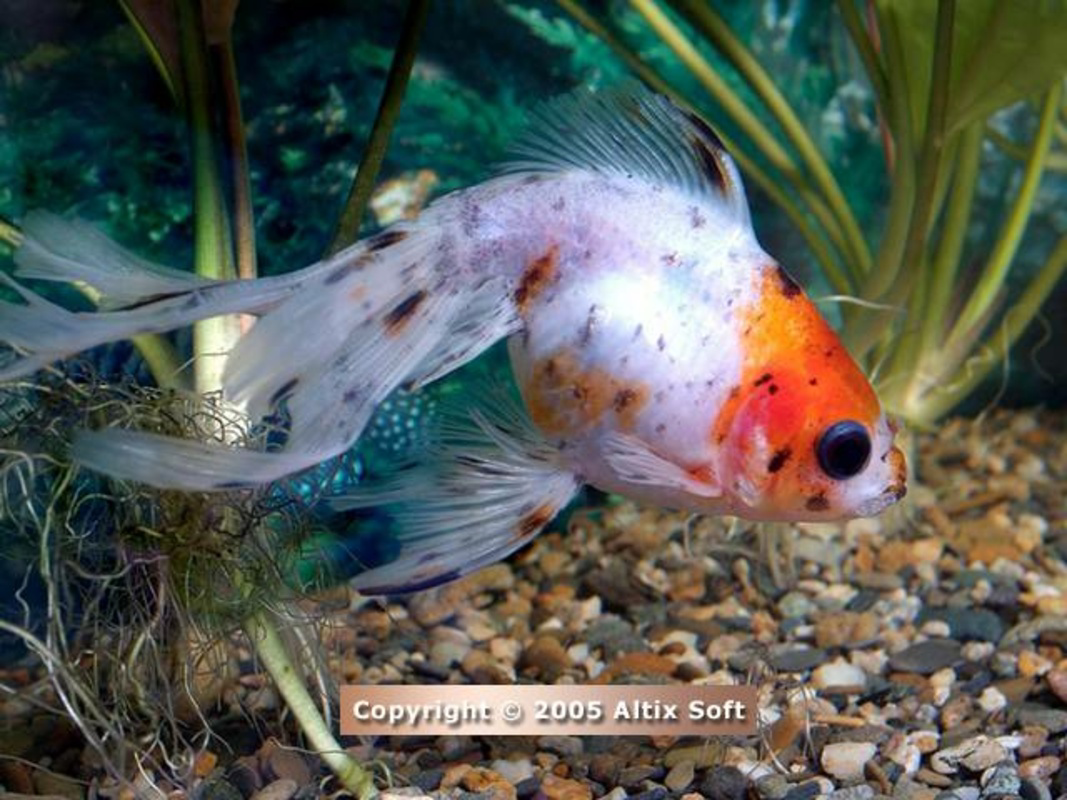
About Aquarium Life ScreensaverAquarium Life Screensaver is a delightful screensaver that turns your idle computer into an enchanting aquarium filled with colorful fish and marine life. With over 40 high-quality images, including 15 available for free in the trial version, it brings the beauty of the ocean right to your desktop. The screensaver features breathtaking visuals guaranteed to enhance your viewing experience when the computer is inactive. Features of Aquarium Life Screensaver - Stunning Visuals: This screensaver offers more than 40 high-quality images showcasing an array of fishes, coral, and other submarine species. Each image is a visual treat for marine enthusiasts and a delightful escape for users seeking relaxation during computer downtime. - Free Trial Available: Users can explore 15 of the mesmerizing underwater images for free with the trial version. This allows potential customers to experience the charm of the Aquarium Life Screensaver before making a purchase. - High Resolution Images: All pictures in this screensaver are presented in a resolution of 1024x768 pixels with a 24-bit color depth. This ensures sharp, vibrant images that faithfully represent the beauty of underwater life. - User-Friendly Activation: The screensaver activates automatically after a period of inactivity on your computer. This feature allows users to enjoy the aquatic visuals without requiring any additional input, making it a seamless addition to their desktop experience. - Educational Enjoyment: In addition to aesthetic appeal, the screensaver serves as a great educational tool for those interested in marine life. Users can learn about various species while enjoying tranquil visuals, making it suitable for both relaxation and education. Release Date of Aquarium Life Screensaver 2007-04-19Reviewed by Eddie C. ReardonShow MoreShow Less

Guides & Tutorials for Aquarium Life Screensaver

How to install Aquarium Life Screensaver
  1. Click the Preview / Download button above.
  2. Once redirected, accept the terms and click Install.
  3. Wait for the Aquarium Life Screensaver download to finish on your device.
How to use Aquarium Life Screensaver

This software is primarily used for its core features described above. Open the app after installation to explore its capabilities.

User Reviews for Aquarium Life Screensaver 0

    No reviews found

Similar Apps
